What Are Shopify's Category Attribute Fields — and Why Are Mine Empty?
Shopify built the exact fields AI channels read — and ships them empty. Here is what category attributes are, why yours are blank, and why it suddenly matters.
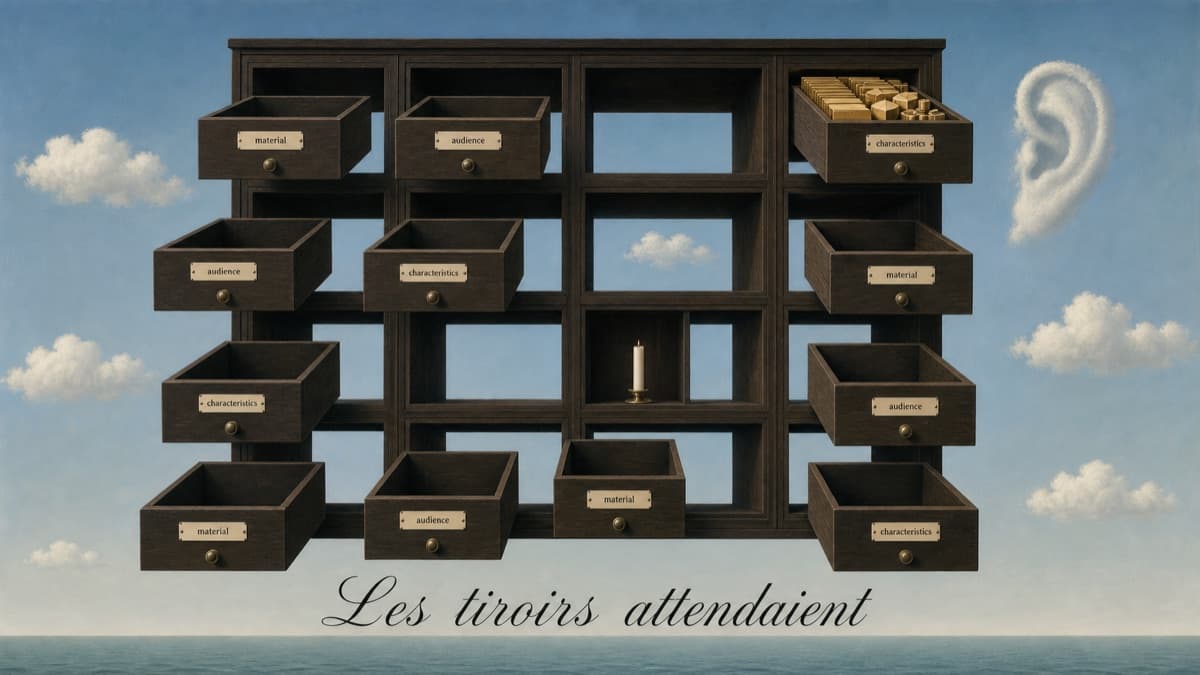
Somewhere in your Shopify admin, on every product, there's a set of fields you've probably scrolled past a hundred times. They appeared when you assigned the product a category: material, target audience, the defining characteristics of that product type. Maybe you filled two or three once. Most likely, they're blank.
For years, that was fine. Those fields didn't visibly do much, and you had a store to run.
Then Shopify wired those exact fields into the AI shopping channels — and the blanks started to matter.
(A detail that explains years of confusion: these boxes aren't new. Category metafields have existed since early 2024 — and because filling them changed nothing visible on the storefront, merchants reasonably concluded they did nothing. What's new isn't the boxes. It's that Shopify Catalog can now use them when representing products to AI shopping channels.)
The containers, explained
When you assign a product its category, Shopify surfaces the standard attributes that category calls for. Shapewear gets compression level and material. Skincare gets skin type and concerns. Furniture gets dimensions and materials. It's a structured vocabulary: the questions a buyer would ask about that type of product, turned into fields.
Here's what changed: that structured layer — the Shopify Catalog — is what gets syndicated to the AI channels. When an assistant evaluates your product for a recommendation, these fields are part of the structured context it can draw on. Not your page design. Not your carefully written brand story. The attributes.
Shopify's own guidance says the quiet part plainly: the channel setup takes minutes, but the product data work that determines visibility takes sustained effort.
In other words: Shopify provides the containers, not the contents. The contents are your job.
The boxes, concretely — what appears and what goes in each
Enough concept; let's make it tangible. When you assign a category, these are the kinds of boxes Shopify surfaces, and what each one expects. (Illustrative examples per vertical — the official, exhaustive field list is Shopify's, and it varies by category; your admin shows the exact set for each product once its category is assigned.)
| If your product is… | Example boxes that appear | What each box expects |
|---|---|---|
| A face serum | Skin type · Key ingredients · Concerns targeted · Fragrance | "Sensitive, combination" · "Vitamin C 10%, hyaluronic acid" · "Dark spots, dullness" · "Fragrance-free" |
| A candle | Wax type · Scent family · Burn time · Size | "Soy" · "Unscented / woody / citrus" · "40 hours" · "8 oz" |
| A coffee | Roast level · Origin · Format · Caffeine | "Medium" · "Single-origin Colombia" · "Whole bean" · "Regular" |
| A table | Material · Dimensions · Style · Assembly | "Solid oak" · "120 × 60 × 75 cm" · "Mid-century" · "Required, 20 min" |
| An apparel piece | Material · Fit · Target audience · Care | "Cotton-elastane" · "High-waist, firm" · "Women, postpartum" · "Machine wash cold" |
Each box is a question a buyer would ask about that type of product — turned into a field the AI channels can read and compare. Empty box = unanswered question at the comparison step.
Which gives you the whole agentic era in three keys, in order: (1) the right category — because the category decides which boxes even appear, and which metadata you're compared on; (2) those boxes filled with correct values; (3) the product's information written so machines can understand it. Get the first one wrong and the other two answer the wrong questions.
And beyond the category boxes, two more machine-facing pieces complete the picture (both filled by the Optimizer, neither visible to your shoppers): a dedicated AI-facing product description — the structured, attribute-rich text an agent reasons over, living alongside your brand copy — and the search metadata (meta title and description), refreshed from the same verified data.
Why yours are empty (and why that's normal)
If your fields are blank, you're not negligent — you're typical. (And blank isn't the only failure mode: Shopify now auto-suggests some attributes, so plenty of catalogs carry values nobody reviewed — which is worse, because wrong data reads as confident data.) Nobody hand-fills hundreds of products, attribute by attribute. And even merchants who start strong hit the maintenance wall: products get added, formulations change, pages get rewritten, and the structured layer quietly falls out of date.
The information usually exists, which is the ironic part. Your product pages say what things are made of, who they're for, what they're good for. You wrote it — for humans, in prose. It just never got translated into the structured fields the machines read. The meaning is on the page and absent from the data.
What an empty field costs now
Before the agentic channel, a blank attribute cost you nothing visible. Now, every empty field is a question your product can't answer at the comparison step — and Article 1 covered what agents do with products they can't verify: they move on to one they can.
Multiply one blank field by every attribute, then by every product in your catalog, and you get the real picture: a store that is fully present in the AI channel and structurally mute inside it.
(Which raises the question merchants ask next: "but my product descriptions are great — doesn't ChatGPT just read those?" Partly. And the 'partly' matters a lot. That's Article 3.)
Filling them without living in your admin
The honest options: fill them by hand (realistic for a dozen products, not for hundreds), or have them filled from what your pages already say — which is exactly the job of the NSOLVIA Agentic Catalog Optimizer™ for Shopify: it takes the verified data NSOLVIA already produces from your own published pages and writes it into these native fields, product by product, keeping them current as the catalog changes. Nothing invented — if your pages don't say it, the fields don't claim it.
The containers were always there. The channel just made them the whole game.
Find out where your catalog stands
→ Run the free Agentic Catalog Readiness Audit™ — see, on a real product from your catalog, which of these questions your data can already answer.
→ Read the complete Pillar — NSOLVIA Agentic Catalog Optimizer™ for Shopify, the full picture behind this series.
Continue the series
← Previous: My Products Show Up in AI Searches. Why Do They Never Get Recommended? · ⌂ Agentic Catalog Optimizer™ for Shopify (Pillar) · → Next: Does ChatGPT Read My Product Descriptions?
Series: NSOLVIA Agentic Catalog Optimizer™ for Shopify (PI-PL003) · Knowledge Domain: Product Intelligence
NSOLVIA Intelligence — Products generate knowledge. Knowledge generates authority.